











Understanding payment methods before using a platform helps you plan deposits and withdrawals more carefully. Easywin users can check the options available to their account, review the instructions for each provider, and choose a channel that suits their banking habits. This guide covers deposits, withdrawals, verification, transaction history, and common payment problems.
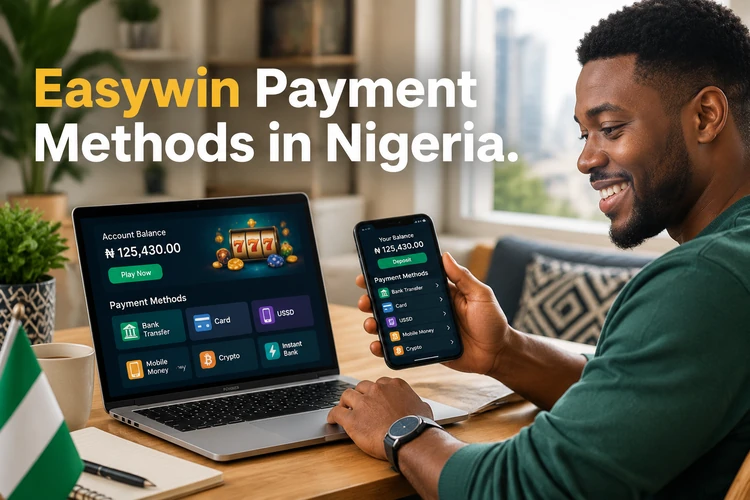
Nigerian users commonly compare bank transfers, digital wallets, and mobile payment services before choosing an option. Availability, limits, verification requirements, and processing times can vary. Never send money to a personal number or account supplied outside the platform's approved payment flow.
Easywin Payment Methods
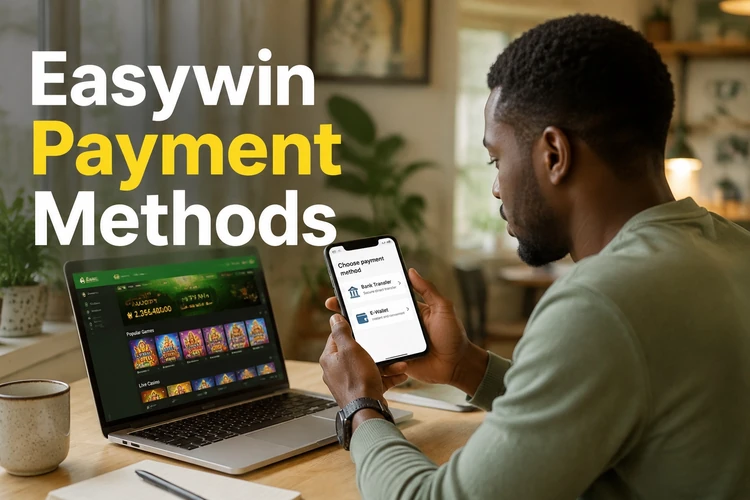
Available options are shown in the cashier area after you sign in. A bank transfer may suit users who prefer a conventional account, while a wallet or mobile service can be more convenient for smaller online transactions. The displayed instructions are the current source of truth for supported providers, minimums, and any payment-specific conditions.
| Option | Useful for | Check before confirming |
|---|---|---|
| Bank transfer | Direct account-to-account payments | Bank details, account name, and processing notice |
| Digital wallet | Users who already manage funds through a wallet | Wallet ownership and transaction limits |
| Mobile payment service | Phone-based deposits where supported | Provider availability and confirmation status |
Easywin Nigeria Deposit
To make a deposit, log in to your account and open the cashier or deposit section. Select an available method and read the instructions shown on screen. Enter only the amount you intend to use and check the recipient details before authorising the payment.
- Open the cashier and select deposit.
- Choose an available payment method.
- Enter the amount and review the details.
- Authorise the payment with your bank or provider.
- Check your balance and transaction history.
Keep the payment reference until the balance updates. If money leaves your bank or wallet but the deposit is not shown, avoid sending a second payment. Check the provider status first and then contact support with the reference, amount, and time of the transaction.
Easywin Withdrawal
A withdrawal request begins in the account's withdrawal section. Select an available destination, enter the amount, and confirm that the receiving account belongs to you. The platform may request identity or payment verification before approving the request.
- Open the withdrawal section and choose the available method.
- Enter the amount and verify your payment details.
- Submit the request and save its reference number.
- Monitor the status until the provider completes the transfer.
Using another person's bank or wallet details can cause a rejection or a further review. Processing also depends on the payment provider, weekends, banking hours, and whether requested documents are complete.
Easywin Minimum Withdrawal
The minimum withdrawal is the smallest amount that can be requested through a particular method. It may differ between payment channels and can change when the cashier rules are updated. Check the amount displayed at the time of the request rather than relying on an old message or third-party source.
If your balance is below the stated minimum, do not make another deposit solely to reach it. Review the available options, account terms, and any responsible-gambling limits before deciding what to do.
Banking in Nigeria
Bank transfers can be useful when you want a clear record in your Nigerian bank statement. Enter the bank name, account number, and account holder details exactly as requested. A mismatch can delay a payment even when the account number is correct.
Transfers may take longer outside normal banking hours or during public holidays. Save the bank receipt and reference number, and compare them with the status shown in your Easywin account before reporting a missing payment.
Mobile Payment Services
Some accounts may show mobile services or payment processors such as PalmPay, OPay, Flutterwave, or Paystack. These names are examples only; support depends on what appears in the cashier for your account and location. Do not assume that a provider is available simply because it is popular in Nigeria.
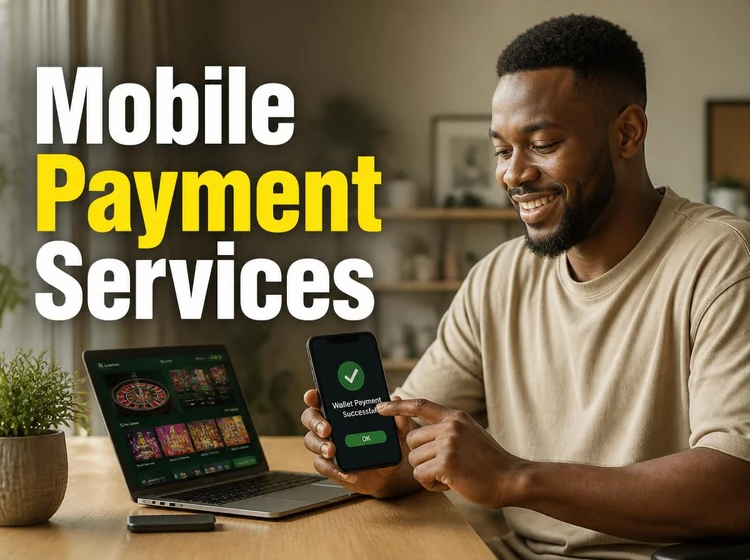
Before confirming a mobile payment, check the recipient name, amount, reference, and any redirect address. Keep the confirmation screen or receipt. If the provider shows completed but the account balance does not change, wait for the status to update before attempting another transaction.
Easywin Wallet
The wallet or account balance records available funds and may also show deposits, withdrawals, adjustments, and pending transactions. Review the history regularly so you can identify an unfamiliar entry or a payment that has not been credited.
When contacting support, provide the transaction ID, date, amount, method, and a short description of the problem. Do not send your password, one-time code, or full card details.
Easywin Cash
Receiving winnings safely starts with checking that your account and payment details are up to date. A payout can be held for identity checks, a payment-name mismatch, an incomplete request, or a provider review. These checks do not confirm a specific processing time, so use the status shown in the account as your reference.
Easywin Piggy Bank
If a piggy bank feature is displayed in your account, read its on-screen terms before using it. The label alone does not explain whether funds can be moved immediately or whether separate conditions apply. Treat any piggy bank withdrawal as a normal payment request and confirm the available amount and destination before submitting it.
Payment Security and Verification
Identity checks, often called KYC, help confirm that an account and its payment details belong to the same person. The platform may request an identification document or address evidence. Submit documents only through the secure account process and make sure images are clear and current.
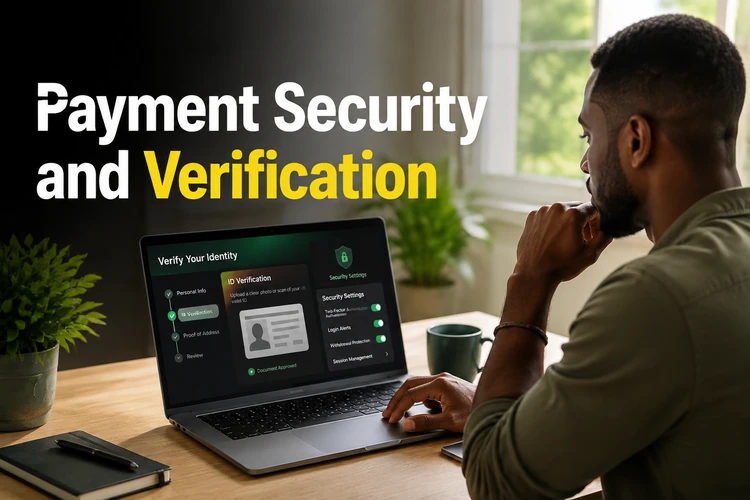
Use a unique password and protect your email and phone account as well. Check that the browser connection is secure before entering sensitive information. Support agents should not need your password or a one-time authentication code.
Payment safety checklist:
- Use a bank account or wallet in your own name.
- Check the amount and recipient before approval.
- Keep receipts and transaction references.
- Use the official account area for documents.
- Set limits and take breaks; see responsible gambling guidance if needed.
| Security check | Purpose |
|---|---|
| Identity verification | Links the account to the correct user |
| Payment matching | Reduces the risk of sending funds to another person |
| Transaction history | Helps trace deposits and withdrawals |
Troubleshooting Common Issues
A missing deposit may be caused by a provider delay, an incorrect reference, or an interrupted authorisation. A pending withdrawal may require documents or a review of the receiving account. A rejected payment can also result from a bank restriction, insufficient funds, or mismatched details.
- Check the provider receipt and the account transaction history.
- Compare the payment details with the information submitted.
- Do not repeat the payment until the first status is clear.
- Contact support with the reference, amount, date, and screenshots that do not expose passwords or codes.
Common mistakes include using another person's wallet, closing the payment window before confirmation, entering an incorrect account number, and deleting the receipt too early. Correcting these details before submitting a request is usually easier than resolving a failed transaction afterwards.
For faster processing, complete requested verification in good-quality images, use consistent personal details, submit during the provider's normal operating period, and respond promptly if support asks for clarification. No method can guarantee an immediate result.
| Term | Meaning |
|---|---|
| Deposit | Money added to an account |
| Withdrawal | A request to transfer available funds out |
| Wallet | An account balance used to track funds |
| Verification | Checks used to confirm identity or payment ownership |
| Transaction | A recorded movement or attempted movement of funds |
| Payment method | The bank, wallet, or service used to move money |
FAQ
The cashier may show bank transfers, digital wallets, or mobile payment services. The active options, limits, and instructions depend on your account and should be checked before confirming a transaction.
Log in, open the cashier or deposit section, choose an available method, enter the amount, and authorise the payment with your bank or provider. Keep the receipt until the balance is updated.
Open the withdrawal section, choose an available destination, enter the amount, and confirm that the payment details are in your own name. Further identity or payment checks may be required.
It is the smallest amount accepted for a withdrawal through a particular method. Check the current figure in the cashier because limits can vary by payment channel and may change.
Only if the relevant option is displayed in your cashier for the transaction. Availability can depend on the platform, provider, account, and location, so do not send funds through an unlisted route.
These providers may appear as payment options where supported, but their availability should be confirmed in the current cashier. Follow only the payment instructions shown in your account.
A bank-transfer option may be available for some accounts. Check the cashier, enter matching account details, and retain the bank reference in case the transaction needs to be traced.
It is the account balance and transaction area used to track available funds, deposits, withdrawals, and pending entries. Review the history when checking a payment.
A pending status can mean that the request, identity documents, or receiving payment details are being reviewed. Check for account notifications and contact support if the status remains unresolved.
The time varies with document quality, request volume, and the payment provider. Submit clear information through the account area and monitor messages for requests for clarification.
Check your bank or wallet status, confirm that the details and funds were correct, and avoid repeating the payment immediately. Contact support with the transaction reference if money was deducted.
Identity verification may be required before a withdrawal or when an account triggers a security review. Use the official verification flow and submit only the documents requested.
Use the site's official support channel and provide the transaction ID, amount, date, payment method, and a clear description of the issue. Never include your password or one-time code.